

Your data is in Excel.
Why isn't your analysis?
Design of Experiments built into Excel. Create designs, run regression, optimize multiple responses, and visualize interactions — without leaving your spreadsheet.
Free trial available. No credit card required.
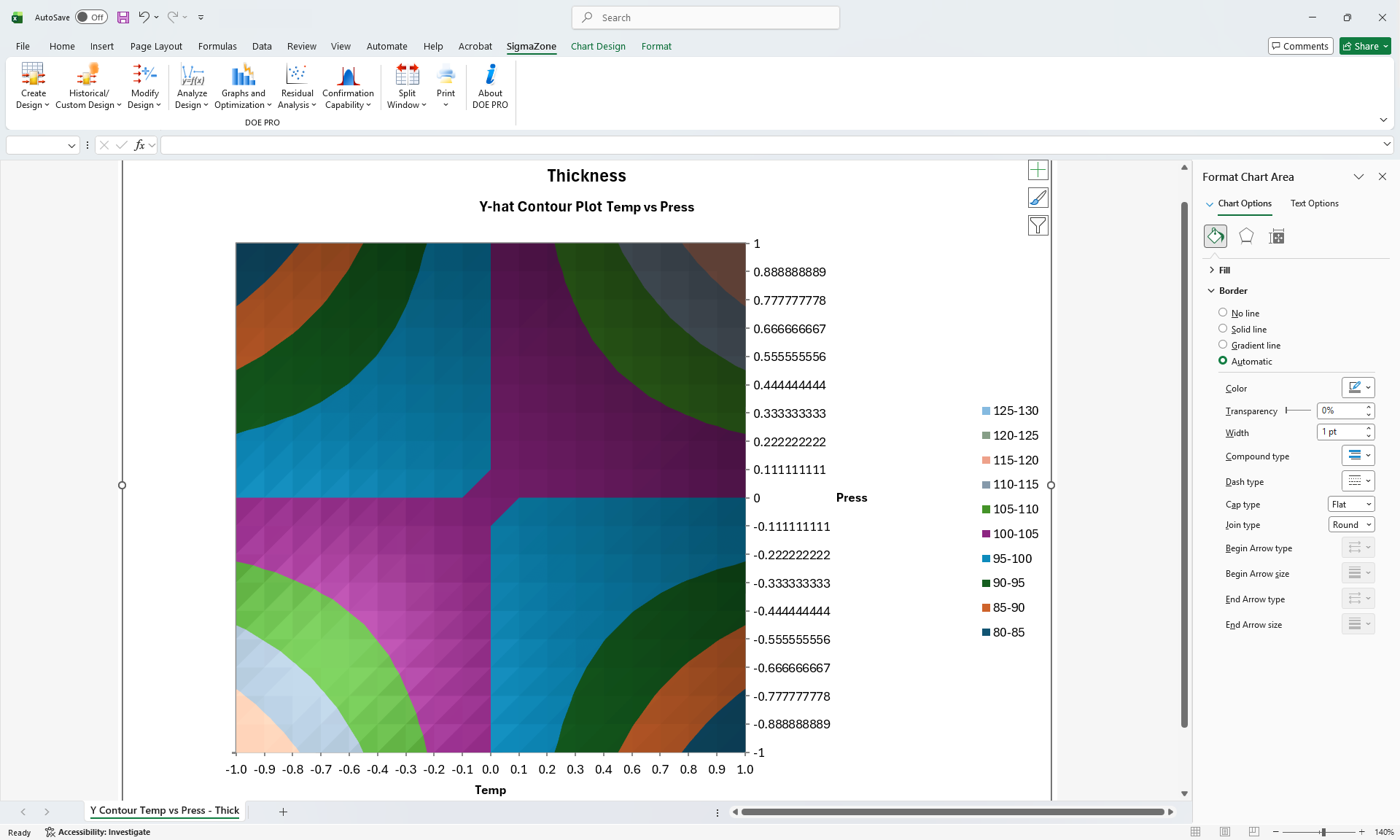
DOE Pro XL covers the complete Design of Experiments process — from selecting the right design to optimizing multiple responses simultaneously.

DOE Pro XL includes 2 Level Full and Fractional Factorial designs, 3 Level Full Factorial, Taguchi, Plackett-Burman, Central Composite, Box-Behnken, and Custom Designs. If you need help, use the Computer Aided design selection feature to pick the best design for your problem.

Analyze your design using Multiple Regression, ANOVA, Multiple Plots, Marginal Means (Main Effects) Plots, Residual Analysis, and more.

DOE Pro XL includes a powerful optimization engine capable of optimizing multiple responses at the same time. Prediction is designed into an Excel sheet making it exceptionally easy to use.
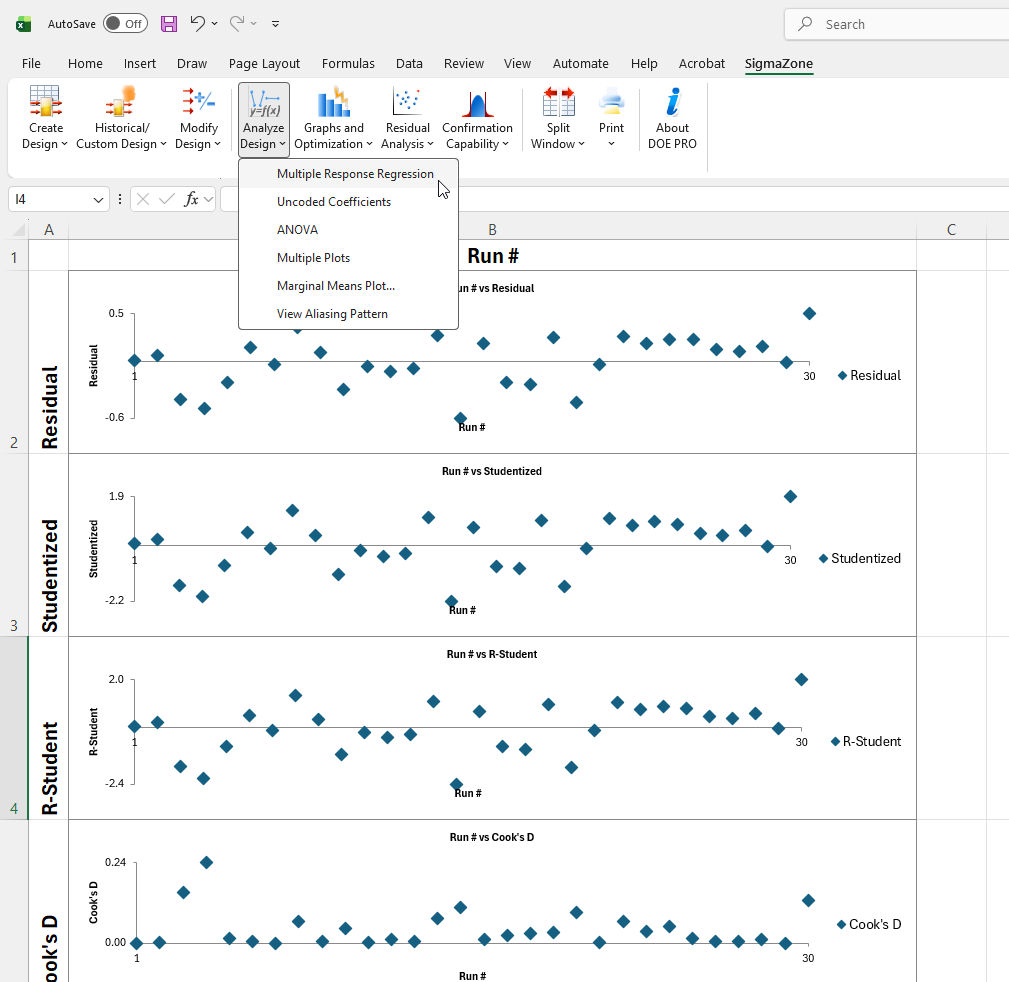
 Excel Integration
DOE Pro XL integrates directly into Excel. Your experimental data, models, and predictions all live in the same workbook — making it easy to share results and collaborate with your team.
 No data exports needed
Modify designs on the fly
Prediction in your workbook
No data exports needed
Modify designs on the fly
Prediction in your workbook