ESC

Search

Support

Do I Have 32-bit or 64-bit Excel/Office

How to determine whether your Excel or Office installation is 32-bit or 64-bit.

How to tell if Excel is 32-bit or 64-bit

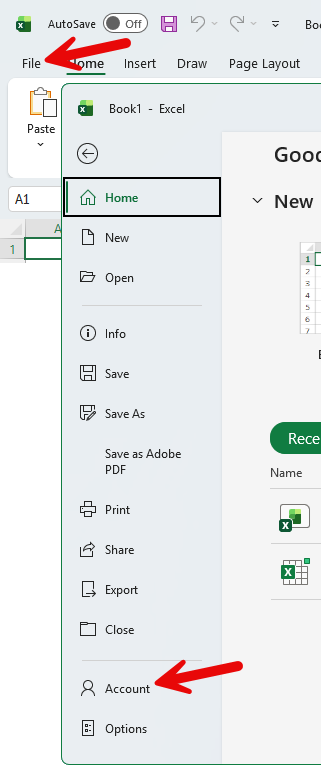
  1. Click the File Button, and then click Account.
    View screenshot ▼ Excel File menu showing Account button
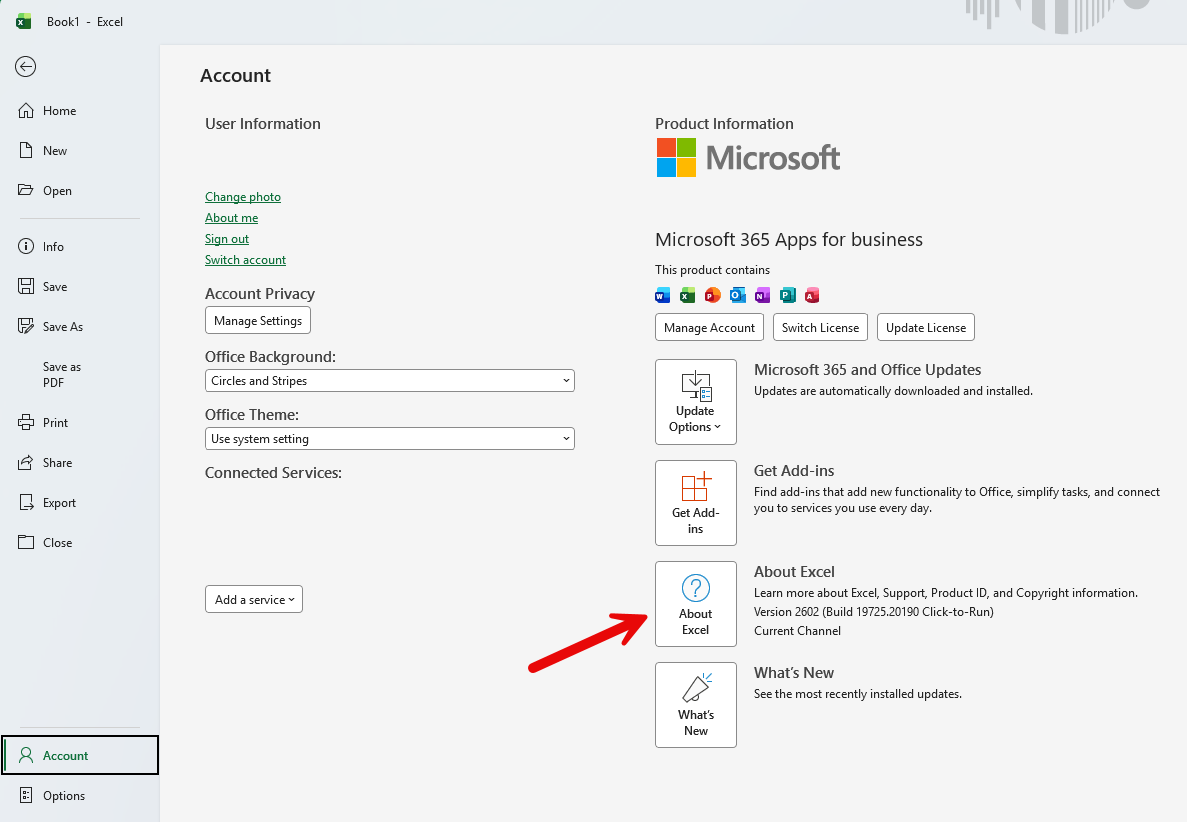
  2. Select About Excel from the options on the right.
    View screenshot ▼ Excel Account page showing About Excel button
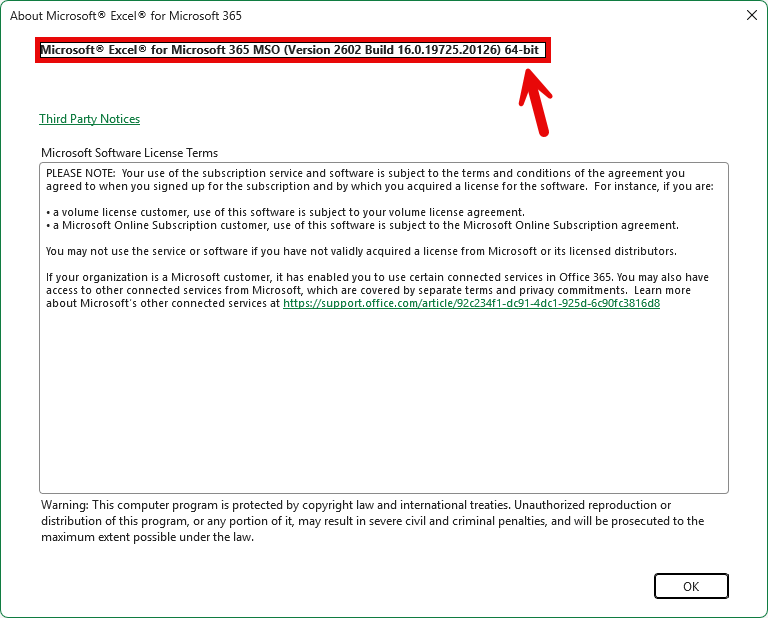
  3. The text at the top of the dialog will show you if Excel is 32-bit or 64-bit.
    View screenshot ▼ About Excel dialog showing 64-bit at the top